
Software for Windows PCs
Your PC analysed, cleaned and tuned in one clic
Free diagnostic in about 2 minutes. Then build your toolkit: from €1.99 a month per tool, or Full (all 8 tools, 4 still to come) for €11.99 a month.
- Restore point first
- Every setting can be undone
- Anti-cheat respected

- points checked
- 75
- points checked
- minutes to analyse
- ≈ 2 min
- minutes to analyse
- the diagnostic
- €0
- the diagnostic
- per month
- €11.99
- per month
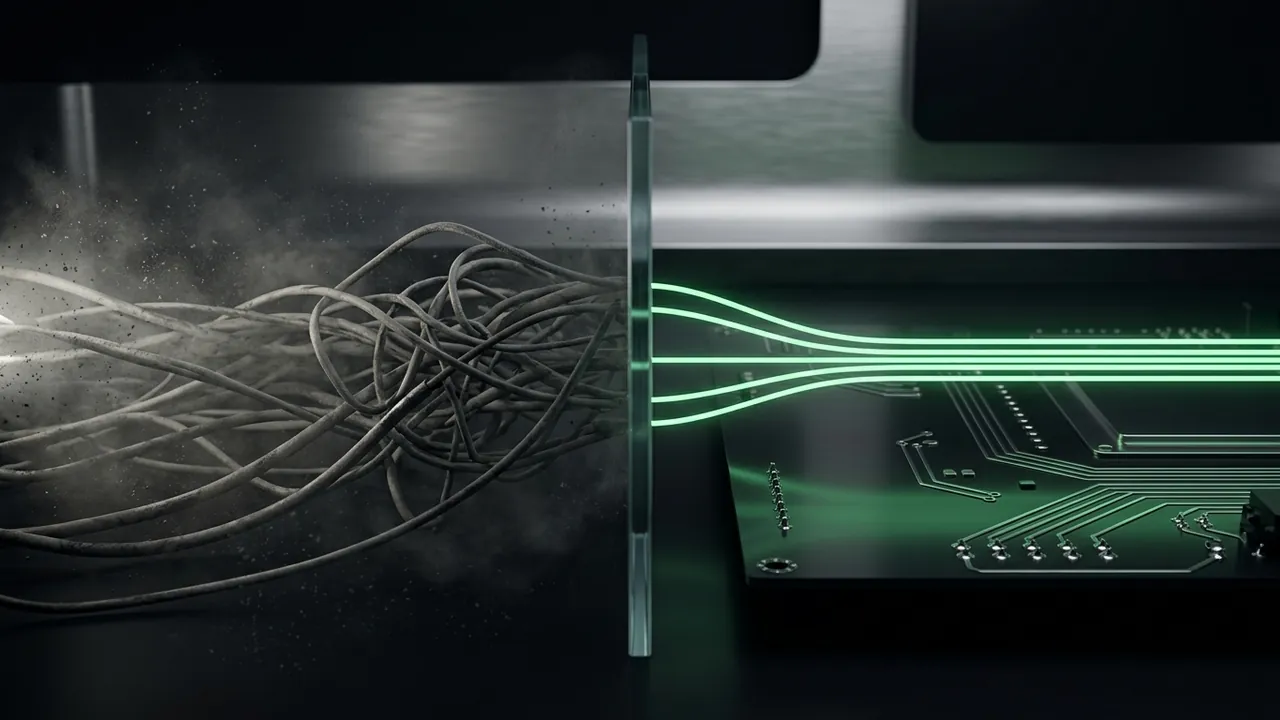
Before / after
What the software aims for
 Illustration
Staying at 100 takes upkeep
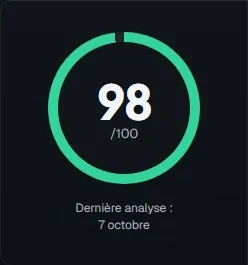
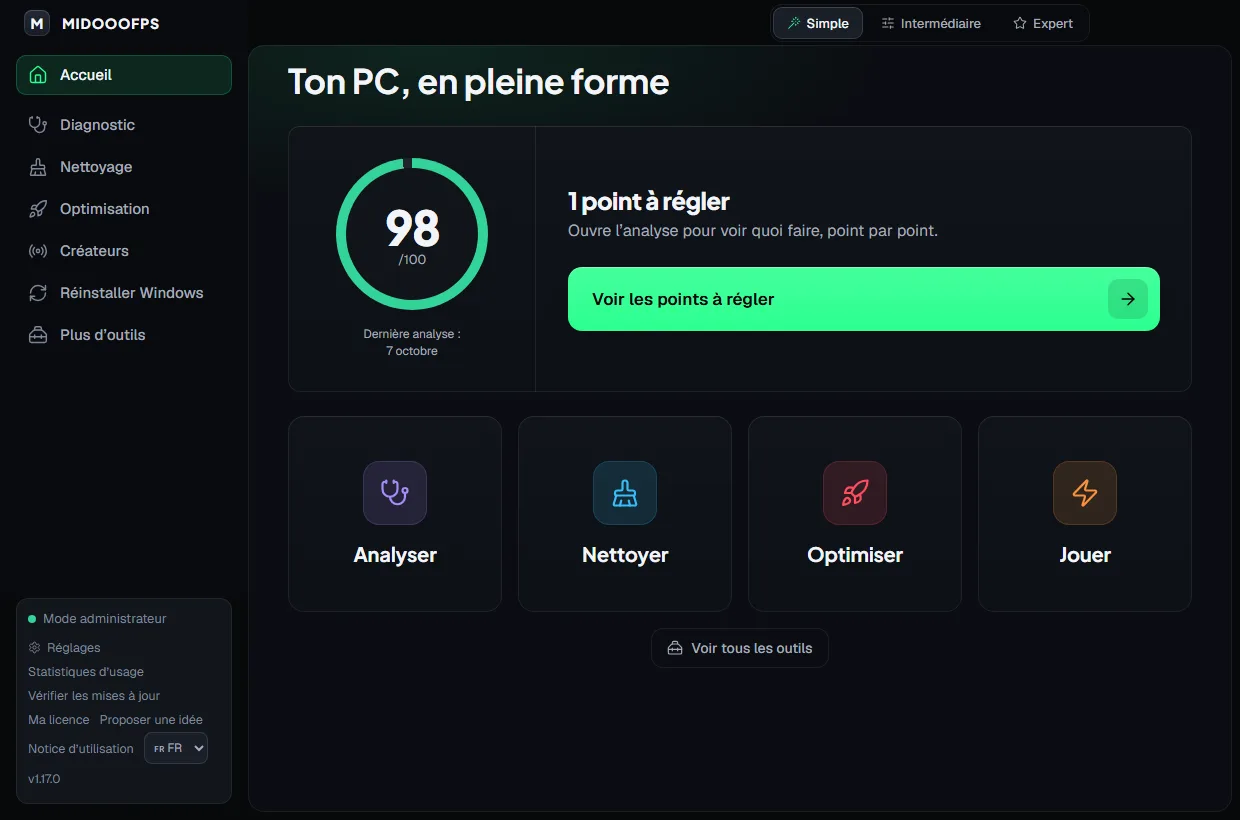
Not at 100 yet? No problem: what matters is getting as close as you can. And even a PC at 100 can lose several points within a few days.
The software helps you keep it as clean as possible, with a reminder when your score drops or by launching just the tool that fixes your issue.
- Junk files
- Pending updates
- Pending restart
- Disk filling up
The software
Simple for everyone, Expert to see it all
One big button that does everything.
Your match, start to finish
Before, during and after your match
A tool for every moment. Anything not out yet is marked “Soon”.
1Before
Games and launchers readySoon
See if Steam is waiting for an update or if an Epic install was left unfinished. Read-only.
Shader stutterSoon
Clear the shader cache after a new driver or when you get stutter, never while a game is open.
Game networkSoon
Ping, jitter and loss to game servers, and your connection's latency when it is under load.
Turbo Mode
One click before the match: background apps drop to low priority, without being closed.
Supported games
- Counter-Strike 2
- Valorant
- Fortnite
- Apex Legends
- Overwatch 2
- Call of Duty
- Rainbow Six Siege
- League of Legends
The games the software knows by name. Turbo Mode also launches your other Steam, Riot, Epic, GOG and Ubisoft games.
Payment opening soon
Build your own toolbox
Pick the modules you need, skip the rest. They fit together and complement each other.
- Only what you use
- Tools that talk to each other
- Diagnostic
- Cleaning
- Optimization
- Gamer
- Streamer
- Editor
- Benchmark
- Backup
Pioneer spots
Reserve your Pioneer spot
Priority spot when sales open. The price is announced before any payment. No commitment.
Safety
Restore point first, every setting reversible

- Restore point
- Undo everything
- Anti-cheat respected
- Read-only
Frequently asked questions
All questionsHow many FPS will I gain?
Could I get banned (Vanguard, FACEIT)?
What if I don't like a setting?
Is the diagnostic really free?
Coming next
The next updates, with their dates
- In progress
My modules and a richer Diagnostic
Progress80%What's inside
Pick only the tools you need, and the free Diagnostic checks more points, still read-only.
- My modules: each tool with its page, price and packs (same price grid as the website); a tool not out yet is marked “Soon”, with no price
- Free uninstaller: each program's official uninstaller, then leftovers on request, never touching your personal folders
- Free Diagnostic checks: memory (XMP or EXPO), display (native resolution, maximum refresh rate), anti-cheat passport for your games, laptop battery wear, exhausted network ports
- Guarantees screen: what the software does, what it never does, and how to undo everything
- More polished everywhere: only the settings used in competitive play, a more careful network repair, an easy-to-read console and a redesigned home screen, every screen checked one by one
- In progress
Seven new tools so you can play with a clear head
Progress80%What's inside
Your PC ready before every session, the same aim from one game to the next, a clear voice and a checked connection: it's all built into the software already, only the final real-world tests remain.
- Stutters in the first minutes: your games' shader cache checked, and the cause explained simply
- Before your session: your games and launchers reviewed, so you start your match with no bad surprise
- Health of your SSDs and hard drives, read-only, with a clear signal to back up in time
- Universal sensitivity: the same aim from one game to another (cm/360, eDPI)
- Voice doctor: your mic, your headset and your voice on Discord checked before the match
- Gaming network: ping, packet loss and latency when your line is busy, plus a speed test that shows “at least X” when your fibre goes beyond what the test server can measure, with a clear report to show your internet provider
- Upgrade advisor: which part to replace first, based on measurements taken on your PC
- In progress
Game settings vault
Progress80%What's inside
Reinstall or new PC: get your game settings back exactly as you left them, and share your config with a simple code.
- In progress
Graphics driver guard
Progress80%What's inside
Your game keeps crashing since your last graphics driver update? The software spots it and offers to go back to the previous driver, with a restore point.
- In progress
CS2 match report from your demo
Progress80%What's inside
Hand over your match demo and finally see what made the difference: your real breakdown, round by round, every stat explained simply.
- Your breakdown: kills, accuracy, damage per round, opening duels, trades, clutches and grenades, T side, CT side or both
- The round timeline: who wins, how, and each team's economy, so you see at a glance where the game turned
- The stats guide: every number explained in one sentence, so you know what to work on next match
- In progress
Lineup library
Progress80%What's inside
Your team's lineups organised on the map: pick where the grenade should land and see where to throw it from. Each team adds its own.
- In progress
Highlights and map veto
Progress80%What's inside
Your best plays spotted automatically in your demo, without digging through the match by hand, and the map veto prepared with your team before the match.
- In progress
Team HQ
Progress80%What's inside
One screen for your team: recent matches, current form, everyone's clips and an internal ranking built from real measurements.
- Soon
Temperatures
Progress30%What's inside
Keep an eye on how hot your CPU, graphics card and drives run, and know when your PC needs more airflow.
- Live sensor readings with no extra driver, plus the last 10 minutes of history
- Exact CPU temperature: with HWiNFO (free) open alongside; otherwise the value is estimated
- An alert mid-game when a component stays above the alert threshold (90 °C for an Intel CPU, whose limit is 100 °C)
- A 5-minute heat test that stops automatically at the slightest risk
- Date announced soon
Record: clips and matches
Progress80%What's inside
Your best moments recorded automatically while you play, with nothing to start manually.
- Automatic clips in CS2 and League of Legends
- Full matches recorded, to rewatch from a library
- Simple clip editing
- In progress
MIDOOOFPS Team
Progress80%What's inside
For a team and its staff: review a match together, from each player's point of view.
- 5 or 6 players + the coach, or 2 teams of 3; the manager has read-only access
- The players' views (POV) synced to the same moment
- Later
Laptops
Progress10%What's inside
Optimization designed for gaming laptops: battery, heat and performance when plugged in.

Your PC is tuned.
Now analyze your game.
FragsLabs reads your real FACEIT CS2 matches: spot your best maps, see who you play best with and track your form game after game.
- Sign in with Steam or FACEIT, never your password
- Your K/D, ADR and results, map by map
- Your teammates and recent form at a glance