Free diagnostic
Is your PC really well tuned?
Download the diagnostic, run it, and get your verdict in about 2 minutes: a score out of 100 and the issues slowing your PC down. Free, no account needed, nothing is changed.
- Free
- Read-only
- ≈ 2 minutes
- Windows 10 and 11
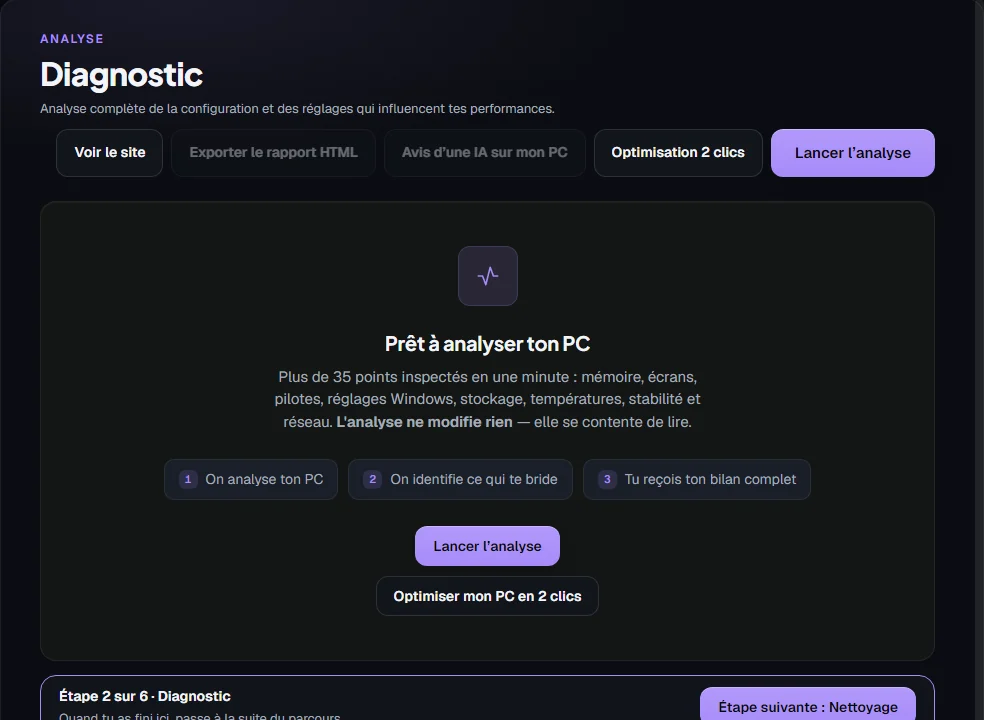
It's that simple
Three steps. No technical knowledge needed.
- 1
Download
A small file to install in two clicks. No account, no ads.
- 2
Run the diagnostic
It examines your PC for about 2 minutes. It doesn't change anything: it only looks.
- 3
Get your verdict
Your score out of 100, the issues found and what they cost you, on a private page that's yours.
What the diagnostic looks at
75 points checked on the sample PC, grouped into 16 areas (the number depends on the drivers installed).
Drivers
Installed versions compared with official sources.
Temperatures
CPU, graphics card, cooling.
Storage
Free space, health and drive type.
Network
Latency and packet loss.
Startup
Programs and overlays that slow you down.
Windows settings
Power, Game Mode, protections.
Stability
Crashes and pending restarts.
Memory and display
Amount, speed, screens.
After your diagnostic
The software tells you what's wrong. What happens next is up to you.
- You see the list of issues found, sorted by severity.
- You can fix them yourself, or let the full software fix everything in one click.
- Settings are reversible, and a restore point is created first.
Learn more
Anything that can't be undone (removing Windows.old, reinstalling Windows, removing ghost devices, emptying the Recycle Bin) is flagged and asked for separately.
- Restore point first
- Reversible settings
- Minimal data
- No commitment
The full software: fix everything in one click
A PC you think is well tuned can still hide a few issues. Here's the breakdown of the 24 points that were missing on this example PC.
Why 74 out of 100?
Each issue found takes points off the score; fixing everything gets you to 100. Here's the breakdown for this example.
Example · Before / After optimization
From 74 to 98 out of 100, +0 points
Before (simulated) · September 06, 2026
8 important issue(s)
After · October 09, 2026
0 important issue(s)
23 setting(s) fixed between the two analyses
- +4Profil XMP / EXPO4800 MHz → 6000 MHz
- +2Plan d'alimentationUtilisation normale → Haute performance
- +2Resizable BARDésactivé → Activé
- +2Accélération de la sourisActivée → Désactivée
- +1Overlays actifsXbox Game Bar, Discord, NVIDIA GeForce Experience, Steam, Overwolf → MSI Afterburner
- +1Antivirus tiersMcAfee LiveSafe (essai) → No problem detected any more
- +1Redémarrage en attenteOui → No problem detected any more
- +1Ancienne installation WindowsDossier Windows.old présent → Aucune
- +1Planification GPU accélérée (HAGS)Par défaut (choix du pilote) → Activée
- +1Enregistrement en arrière-plan (Game DVR)Activé → Désactivé
- +1Mode Jeu WindowsDésactivé → Activé
- +1Démarrage rapideActivé → Désactivé
- +1Applications qui ont planté41 sur 30 jours → 1 sur 30 jours
- +1Fichiers temporaires38.6 Go → 0.01 Go
2 improvement point(s) remain: some cannot be fixed from Windows (BIOS, hardware) and are detailed below.
Before: the software creator's starting state, rebuilt from his settings at the time (simulation), then scored by the software's real analyser. After: a real analysis of the same PC, scored by the same analyser (software 1.16). Results vary from PC to PC; no FPS gain is promised.
Tools from €1.99 a month, Full at €11.99
No commitment. 8 tools (4 available today, 4 coming), from €1.99 to €2.99 a month for the available tools; the fuller your toolkit, the cheaper it gets (packs: Essential €5.39, Gamer €9.99, Streamer €9.29, Full €11.99); yearly = pay 10 months for 12.
Staying at 100 takes upkeep
Not at 100 yet? No problem: what matters is getting as close as you can. And even a PC at 100 can lose several points within a few days.
The software helps you keep it as clean as possible, with a reminder when your score drops or by launching just the tool that fixes your issue.
- Junk files
- Pending updates
- Pending restart
- Disk filling up
One piece of software, nothing hidden
Cleaners, driver updaters, FPS boosters: people often install several tools that promise miracles and do more than they let on. Here, a single piece of software explains every setting, makes it reversible (with a restore point created first) and tells you exactly what it keeps.
In full transparency
If you accept the terms on first launch, a copy of your report (PC model, components, settings, score) is kept on our servers. It is used to show your private page and to improve the software.
Your report contains no name or address; it's tied to a stable PC code (a pseudonym), not to your identity. We don't collect your files or passwords. You can ask for your data to be deleted at any time.
Privacy policyWindows shows a warning?
That's normal for new software that few people have downloaded yet. Click “More info”, then “Run anyway”. The official file is about 80 MB; its sha256 fingerprint is published in /downloads/latest.json.
Not sure about something? Open a support ticket.Why we keep a copy, and what it changes for you
Picture two PCs identical to yours: one badly tuned, one very well tuned. By comparing thousands of reports, we want to be able to recommend the settings that really work for your setup, without you having to hunt for them.
It works like a survey: the more reports there are (with no name or address), the more accurate the advice can be for everyone.
You stay in control: sharing usage statistics is on by default and can be turned off at any time in the software, and you can ask for your report to be deleted at any time.